You thought you were fine until a fee hit
The paycheck cleared, the bills were “handled,” and nothing looked urgent—until the overdraft alert landed on a random Tuesday. It wasn’t a catastrophe, just a $35 fee, but it arrived at the exact moment groceries and a daycare charge posted together. The balance you thought you had was real, and also not real, because a handful of small auto-drafts were queued behind the scenes. The frustrating part wasn’t the money; it was the surprise and the time sink of hunting through apps to figure out what actually hit.
That’s usually the moment a household decides to stop guessing. Before changing anything, the first move is to pull every account, bill, and subscription into one visible list—messy is fine—so the next fee doesn’t get to be the system’s reminder.
Step 1: Pull everything into a single list

Start with a blank sheet or a single note on your phone and give yourself 25 minutes. The constraint matters: if this turns into an “organizing project,” it won’t get finished. You’re not fixing anything yet—just capturing the moving parts that can pull money out of your life without asking again.
Write down every place money lives or moves: checking and savings, credit cards, any “extra” accounts you forget about, plus Venmo/PayPal, HSA, 529, brokerage, retirement, even the store card you only use for the discount. Then list every obligation that can create a fee: rent/mortgage, utilities, insurance, daycare, student loans, car payment, property taxes, and anything that charges quarterly or annually. Don’t hunt for exact balances; grab due dates, usual amounts, and whether it’s autopay, manual pay, or “sometimes.”
Finish with the small drains—streaming, apps, gym, memberships—and mark which ones are “can cancel in 10 minutes.” The list is done when it’s complete enough that a surprise charge feels unlikely, not when it’s pretty.
Step 2: Pick one home base for tracking
Once the list exists, the next friction shows up fast: it still lives in pieces. The checking balance is in one app, the credit card is somewhere else, and the “real” due dates are buried in email. A home base is just the place you agree to trust first, even when the bank app is yelling a different number. The constraint is maintenance time—if updating it takes more than 10 minutes a week, it won’t survive a busy month.
Pick one system and commit for 60 days: a spreadsheet, a notes app, or a budgeting app that can pull in accounts. The feature that matters most is not charts; it’s whether you can see (1) your cash accounts, (2) the next two weeks of bills, and (3) which card or account each bill hits. If linking accounts is flaky or you share finances with a partner who won’t log in, go manual and simple.
Then set a recurring calendar block—15 minutes on payday or the morning after—to reconcile: mark what cleared, update what changed, and write one number at the top: “available until next payday.” That single line is what stops the next fee.
Step 3: Untangle autopay so it stops surprising you
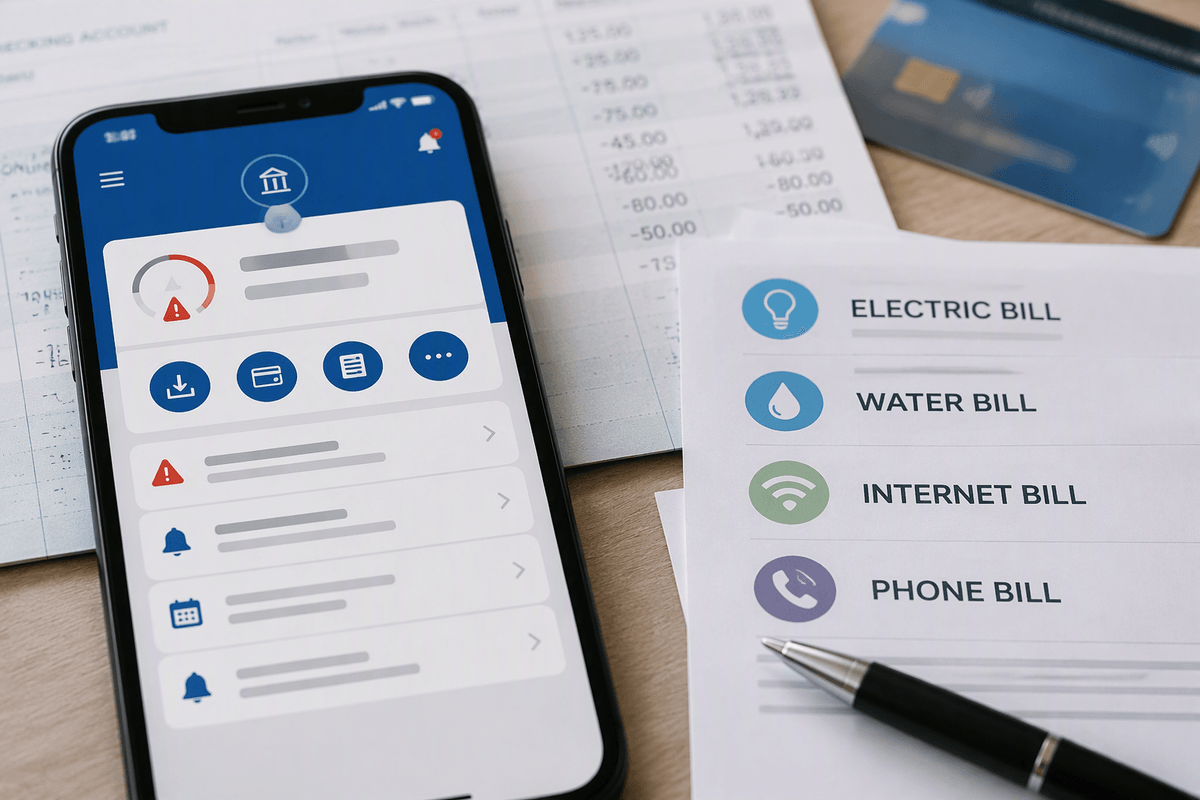
The first reconciliation usually exposes the quiet culprit: autopay is everywhere, and it’s not consistent. Some bills hit checking, some hit a card, a few are set inside the vendor portal, and one or two are set inside your bank’s bill pay. That sprawl is how you get a “paid” bill that still drafts again. Give yourself one focused session—45 minutes, no more—and for every recurring bill write down three facts in your home base: where autopay is set (vendor/bank/card), which account it pulls from, and the exact draft date (not the due date).
Then make a deliberate call on what autopay is for. If cash flow is tight between paydays, autopay from checking is a real constraint; one mistimed utility draft can trigger fees. In that case, move predictable bills to a single credit card and set that card to autopay the statement balance from checking, once, after payday. Keep only a few essentials on checking autopay (mortgage/rent, daycare) and add low-balance alerts as a backstop.
Don’t change everything at once. Flip two or three drafts per week, and watch one full cycle so the “surprise” category actually shrinks instead of relocating.
Step 4: Build a bill calendar that matches paydays
After you’ve tamed autopay, the next snag is timing. Bills don’t care when you get paid, and the mismatch is where “we have money” turns into “why is the account negative?” Pick the pay rhythm that actually funds your life—most households are biweekly or twice a month—and build a calendar around that, not around vendor due dates that drift.
In your home base, create a simple bill calendar view for the next 45 days. For each bill, place it on the day it drafts (or the day you initiate payment), then group them into two buckets: “before next payday” and “after next payday.” The constraint here is float: if a bill lands three days before payday, it’s effectively due this cycle even if the statement says otherwise.
Then make one practical adjustment per cycle. Move what you can inside vendor portals (many will let you change draft dates), and for what you can’t, pre-fund it by shifting a set amount into a bills buffer on payday. The goal isn’t perfection—it’s that the week before payday stops being a guessing game.
Step 5: Create rules for subscriptions and savings
Once the bill calendar lines up with paydays, the money leaks get easier to spot. It’s rarely the mortgage that tips you into a tight week; it’s six small subscriptions and a “we should really be saving more” transfer that fires on the wrong day. The constraint is cognitive load—if every month requires a fresh debate about what stays and what gets paused, the rules won’t hold through a busy season or a surprise expense.
Set two simple policies and write them into your home base. First: subscriptions only draft on one day of the month, from one card. If a service can’t move its billing date, cancel and re-subscribe on your chosen date, even if it means losing a week you already paid for. Second: savings moves only on payday, and only after the bills buffer is filled. Start with a fixed “minimum viable” transfer (even $25–$100) to a separate savings or brokerage bucket, and add an automatic step-up rule when cash flow is calm for two cycles.
Now the trade-offs happen on purpose: one day for lifestyle subscriptions, one day for saving, and fewer random hits competing with groceries.
Close the loop with a simple document vault
At this point the cash flow stops being mysterious, but the scramble shifts to paperwork: a bank flags a transfer, an insurer changes a premium, or a daycare receipt is suddenly needed for taxes. The constraint is time—when the document lives in an email thread, you pay for it in a late-night search.
Create one “document vault” folder (cloud drive is fine) and keep it boring: Accounts, Bills, Insurance, Taxes, Pay stubs, Loans, Home/Car. As you touch an account, drop in the latest statement, the autopay confirmation page (PDF or screenshot), and the login recovery details stored in your password manager. Add one note in your home base: where the vault is and who can access it.
Then set a 10-minute monthly reminder: upload anything new, archive the old, and you’re done. When something changes, you won’t be rebuilding your system under pressure.